
This article explains how to connect an external pattern generator to Calman for display measurement and calibration. Once connected, Calman can automatically control the pattern generator to display the required test patterns, enabling accurate and repeatable calibration workflows for SDR, HDR, and Dolby Vision displays.
To connect a supported Pattern Generator:
- For a hardware pattern generator, connect the generator to an available control port on the Calman computer.
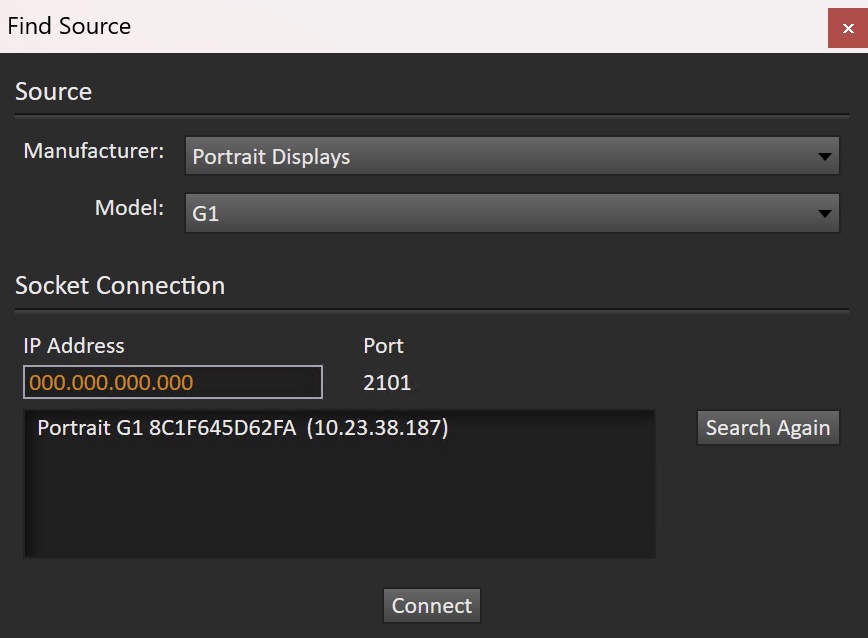
- Open the Source Settings tab and click Find Source.
- In the Find Source dialog:
- Select the Manufacturer and Model of your pattern generator.
- If required, select the COM port or enter the IP address assigned to the generator
- Click Connect.