
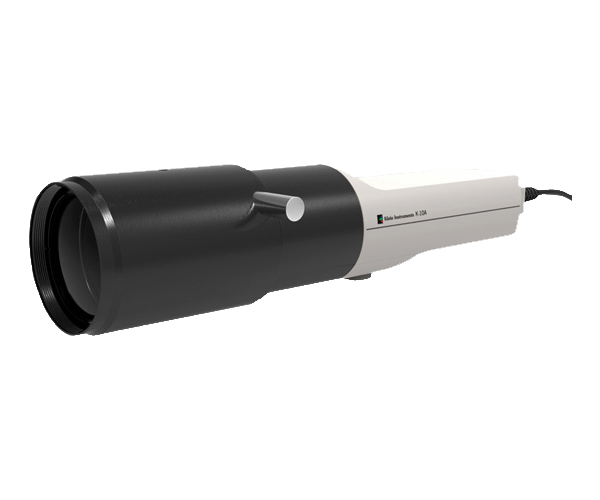
The Klein K10-A is a high-performance colorimeter widely used with Calman for professional display calibration. Known for its exceptional speed, sensitivity, and color accuracy, the K10-A delivers fast, reliable luminance and color measurements across a wide range of light levels, including extremely low luminance. Its advanced optics and large photodiodes make it a trusted measurement instrument for accurate SDR, HDR, and Dolby Vision calibration workflows.
Calman Required Version
- Calman Studio or Ultimate v5.11.1 or higher
Device Driver Installation
The Klein K10-A uses RS-232 communication over a USB connection and relies on the FTDI device driver for proper operation.
Download Driver
- Notes:
- When the FTDI driver is installed correctly, the adapter appears in Device Manager under Universal Serial Bus Controllers as USB Serial Adapter.
- The Virtual COM Port (VCP) driver also creates a COM port, listed under Ports (COM & LPT) as USB Serial Port (COMx).
- If the adapter does not appear in either location, the driver installation was not successful.
- Once installed, Calman communicates with the connected device through the assigned COMx port, the same as with any standard serial device.
Calman Connection to Klein K10-A
To connect Calman to the Klein K10-A meter:
- Open the Meter Settings tab and click Find Meter.
- In the Find Meters dialog:
- Select the COM port assigned to the K10-A (as shown in Device Manager under Ports (COM & LPT)).
- Enable the Klein Instruments meters (RS-232, USB) search option.
- Click Search.
More Info:
- For detailed operating instructions, please refer to the official Klein user guides